

This tutorial will guide you through the process of manually adding subscribers to Leaky Paywall across different subscription levels.
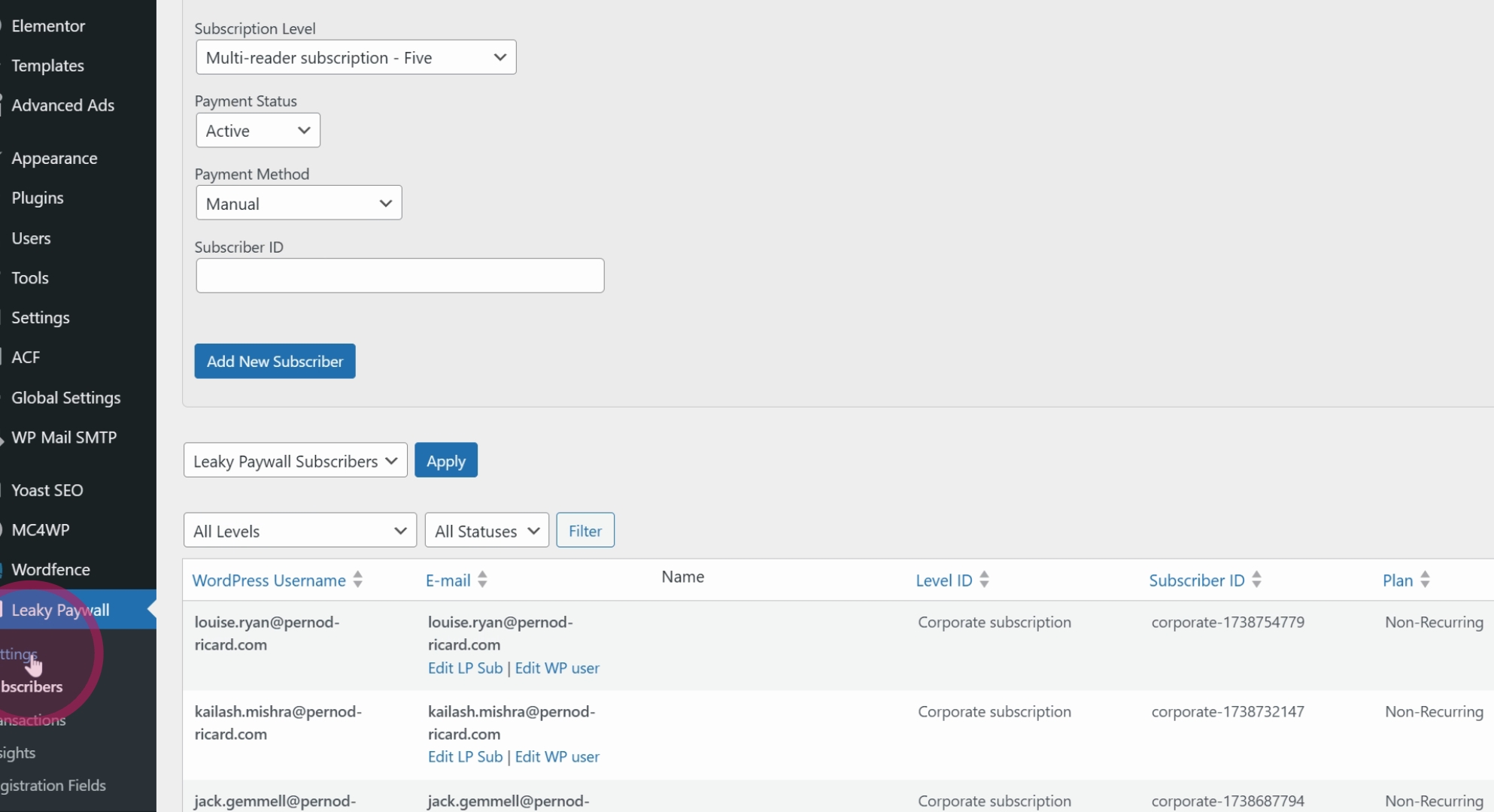
First, navigate to Subscribers and fill out the form at the top to add a new subscriber.
Next, locate that new subscriber in WP Users and send a password reset.
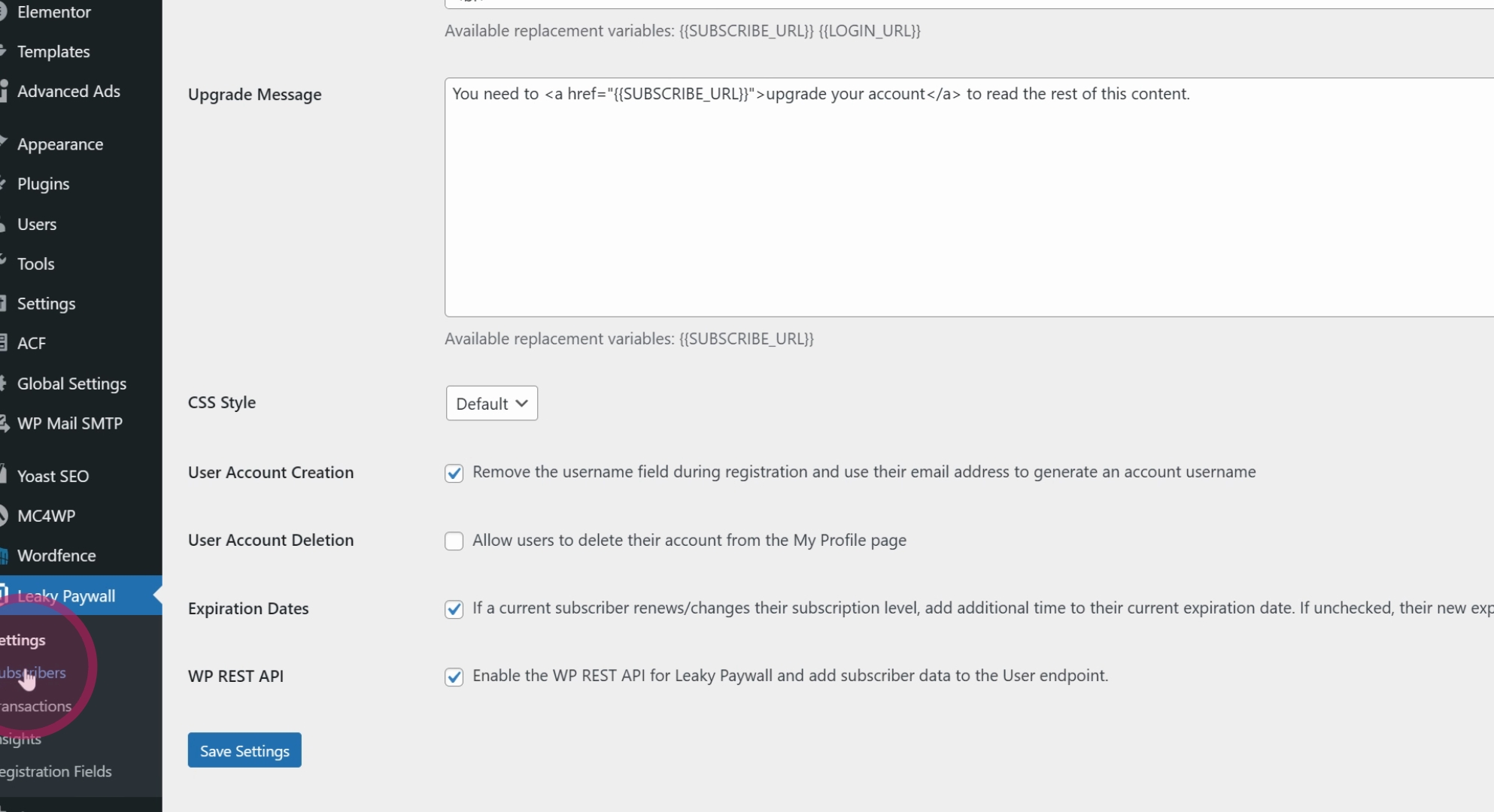
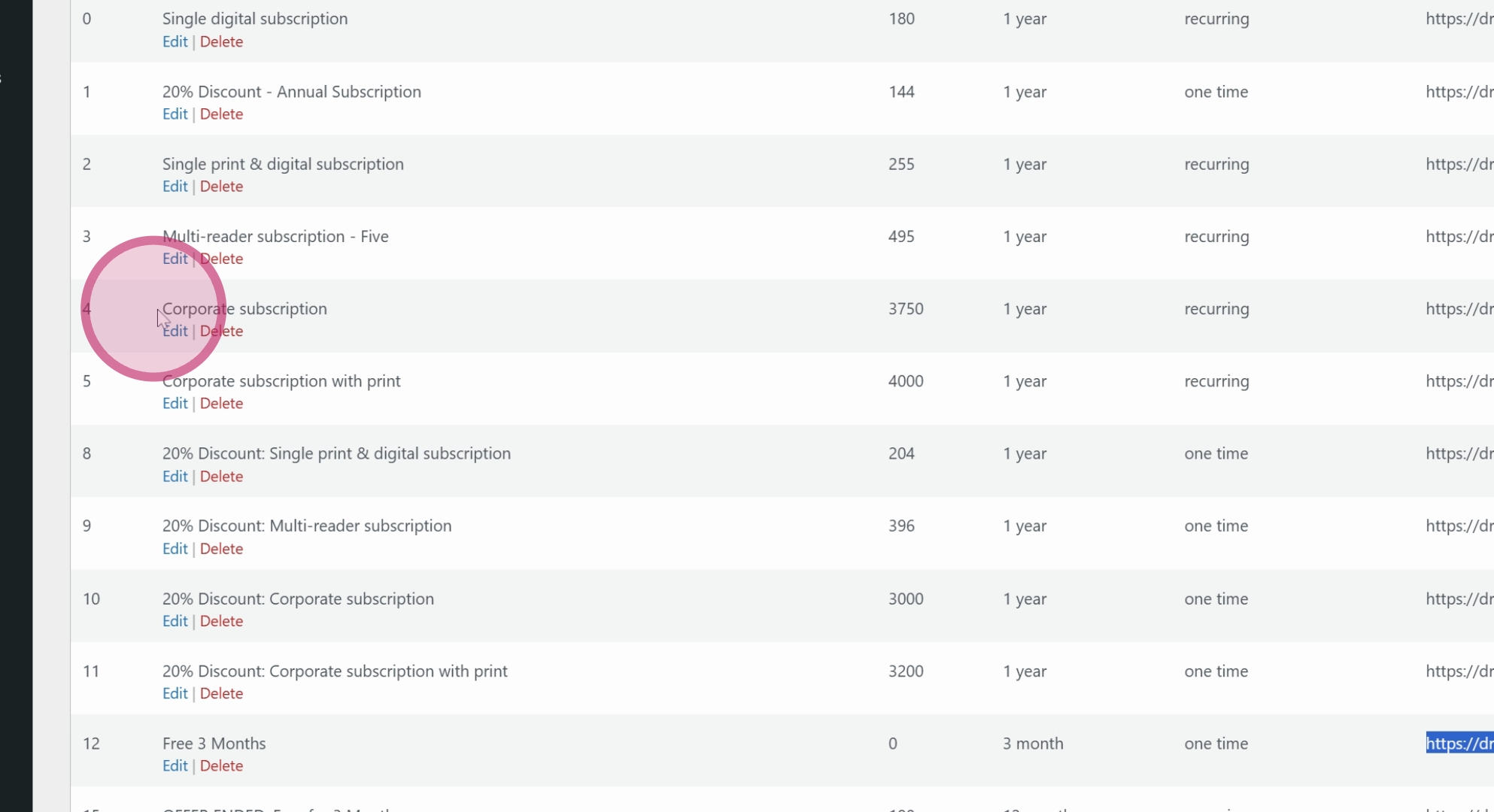
Alternatively, you can go to Leaky Paywall, then Settings, and proceed to Subscriptions.
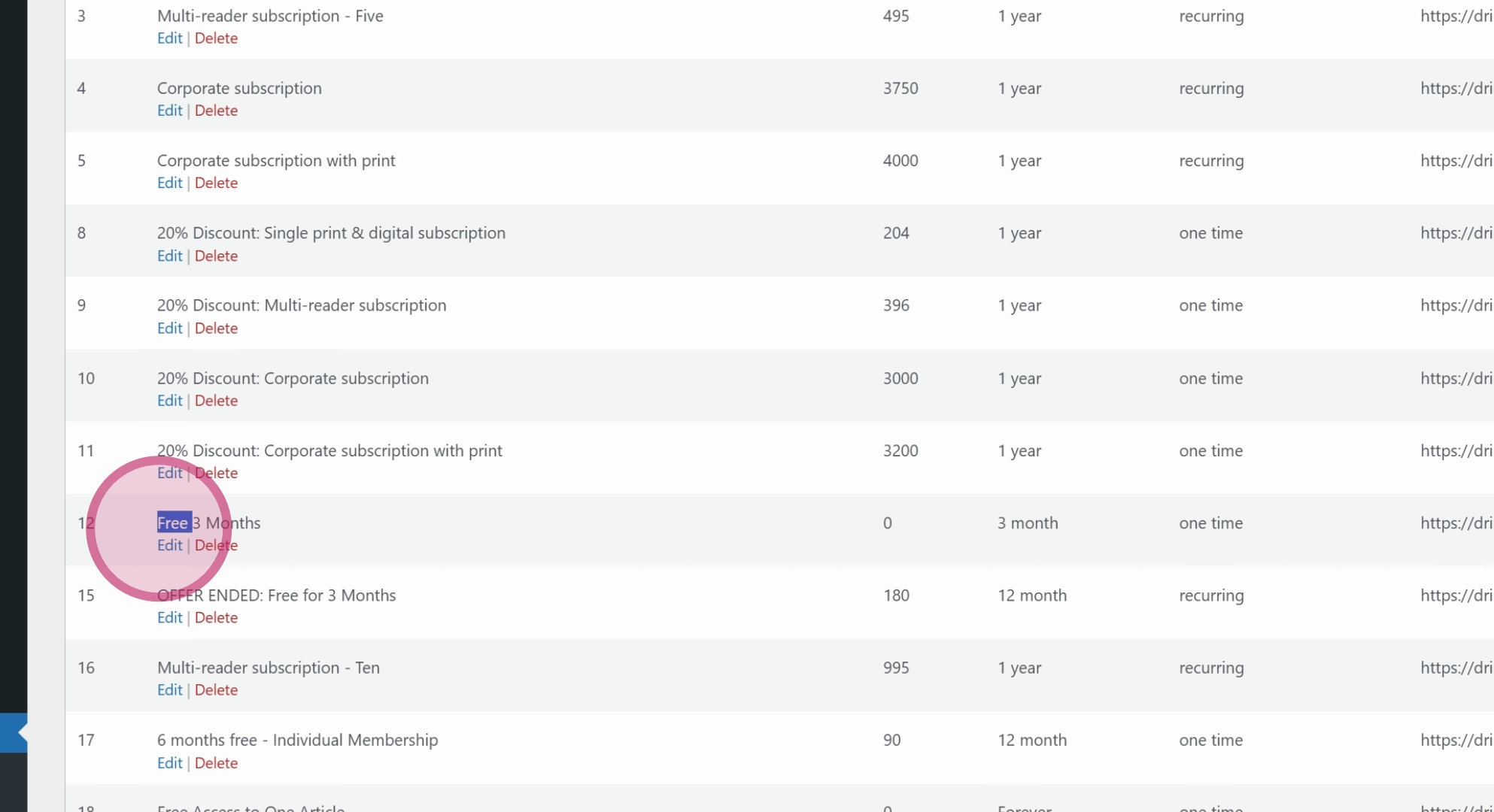
If you want to add a subscriber to a specific subscription level, for example, a three-month subscription, ensure the conditions are as expected, verify that the price is zero, and confirm it expires in three months as a one-off deal.
You can follow the direct link under the subscription details and fill out the form as if you were the subscriber.
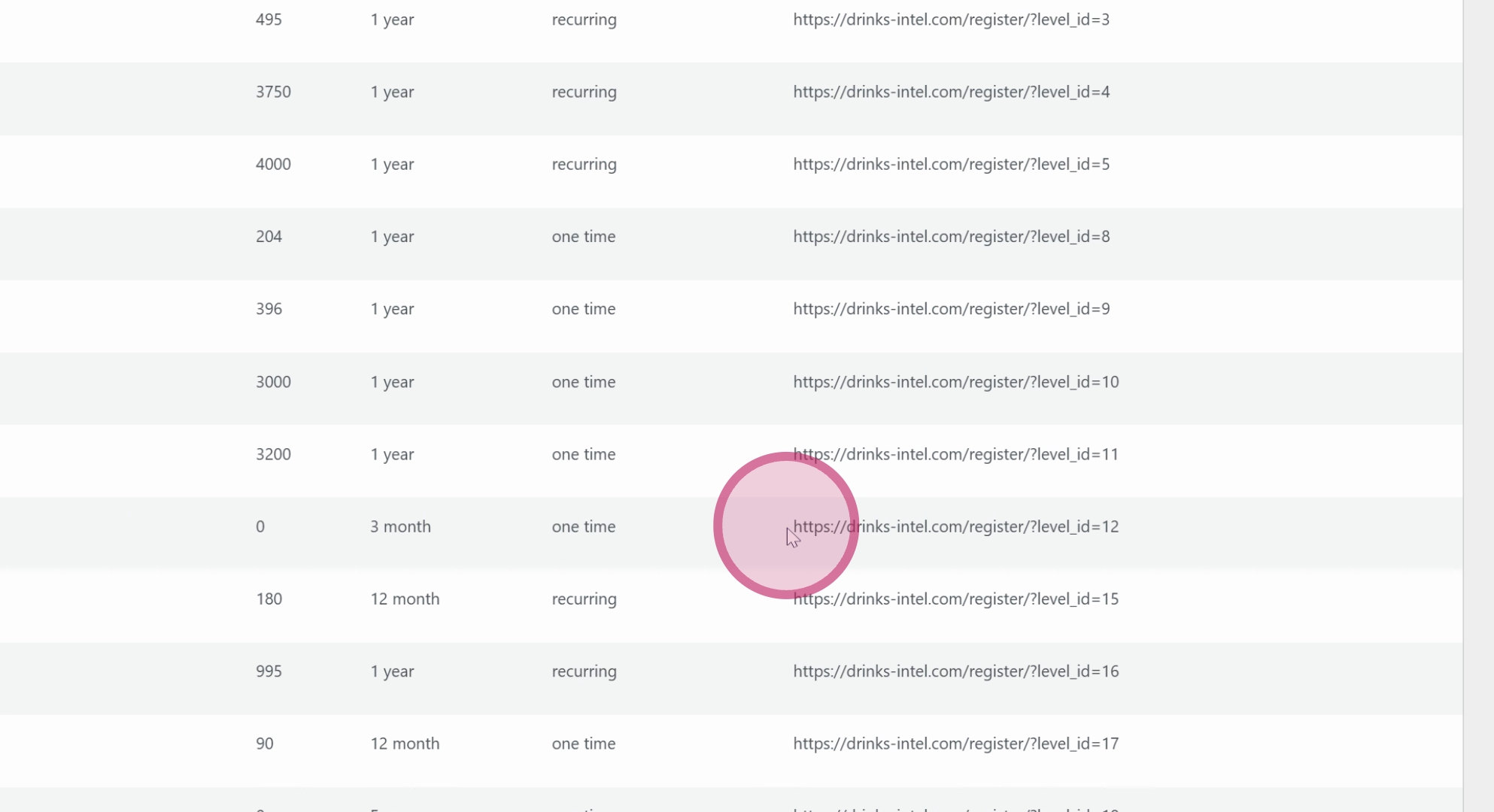
This method is advantageous as it is a single-step process. The subscriber will be added to both Leaky Paywall and WP Users, receiving all the usual sign-up emails as if they signed up themselves. This method is effective for adding subscribers.
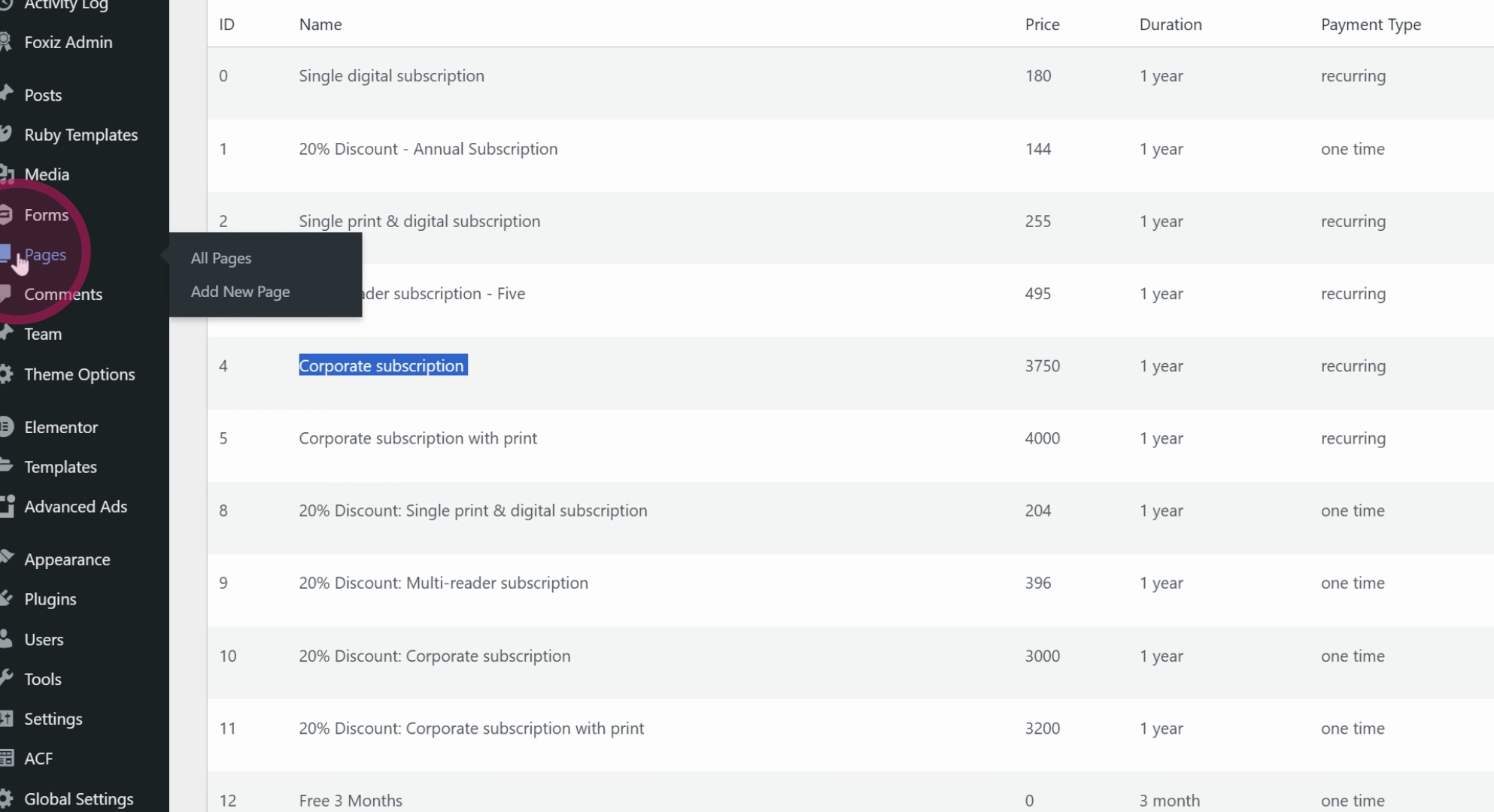
However, this process does not apply to Corporate Subscriptions. For corporate subscriptions, you must go to the corporate subscription signup page.
Click View on the designated page. At this point, as a logged-in user, you have two options: you can log out and return to the page, or you can open it in a private browser or incognito window.
Then, simply enter the email address of the corporate subscriber you wish to add and click Submit.
They will receive an email containing their login details and will be prompted to log in and change their password. This completes the process for adding corporate subscriptions.
By following these detailed steps, you can efficiently add subscribers to Leaky Paywall, ensuring they receive the necessary communications and access as required.
