

This tutorial will guide you through the process of managing subscriber access in Leaky Paywall, specifically for cases where subscribers may encounter issues accessing paywall content.
First, go to Leaky Paywall Subscribers to ensure that the subscription level for the user has proper access and that it is not expired.
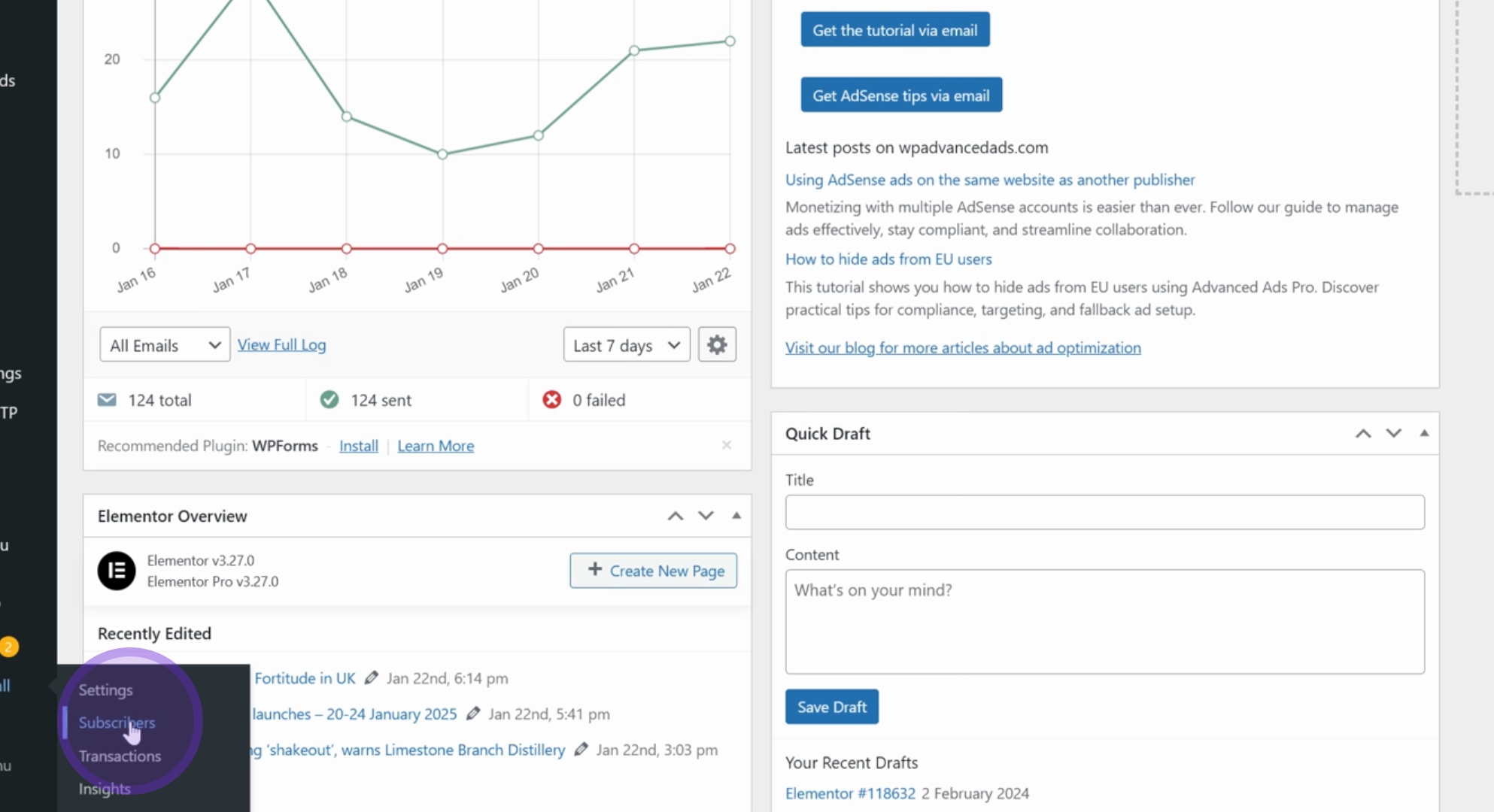
Next, search for the user's email address or name in the search box. Click on Search Subscribers to find the relevant information.
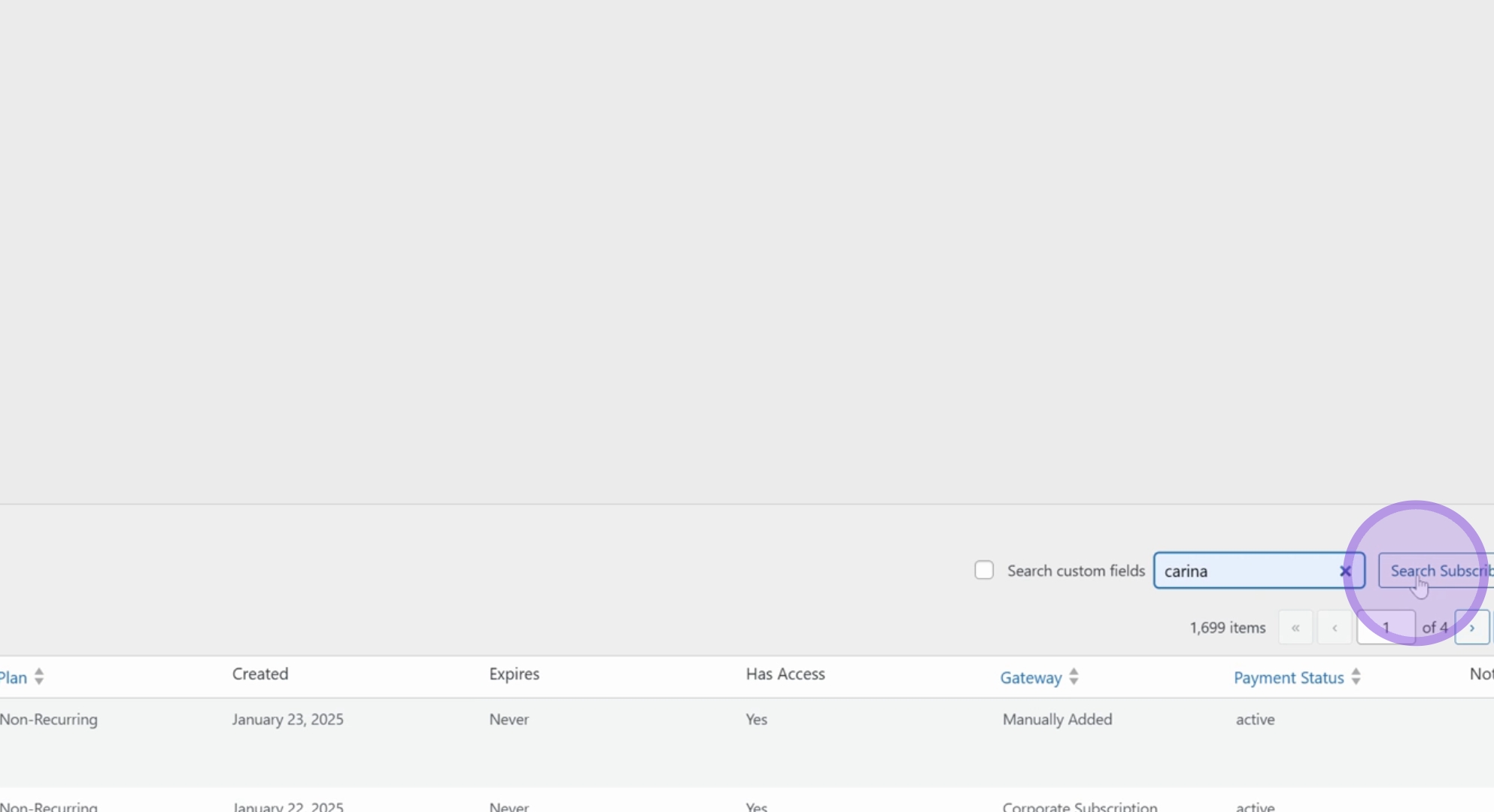
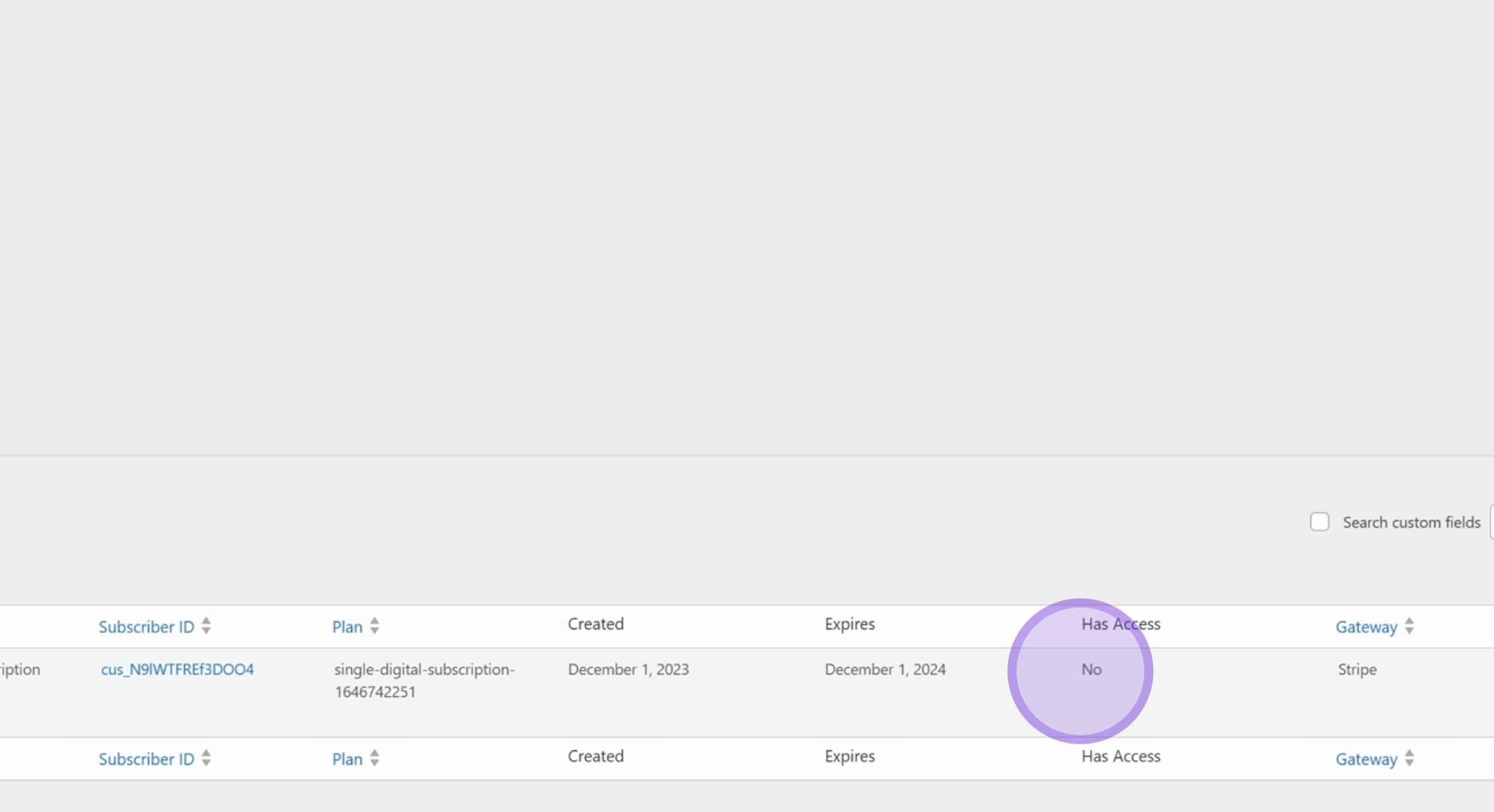
Once you see the subscriber details, double-check that they are using the correct email address. If they are able to log in, it indicates that their account is active.
Review the subscription details to confirm their current plan and expiration date. In this case, the individual has a single digital subscription that expired on December 1, 2024, resulting in no access to content.
If you are manually collecting payments from subscribers, ensure that you log in to Leaky Paywall to verify that subscriptions are updated accordingly.
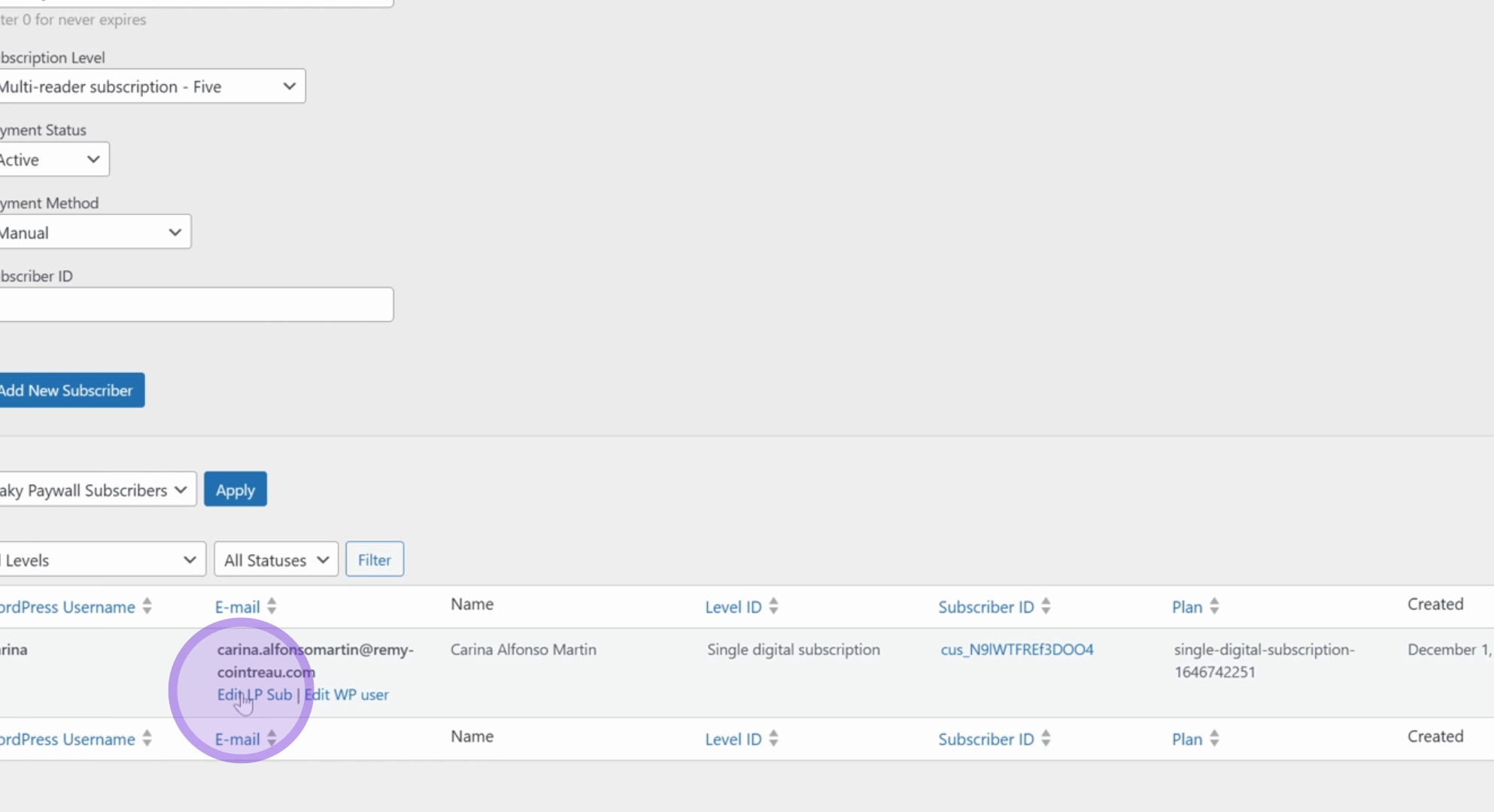
To extend the subscription, make the necessary changes to the expiration date, and click on Update Subscriber. You should see the details update once this action is completed.
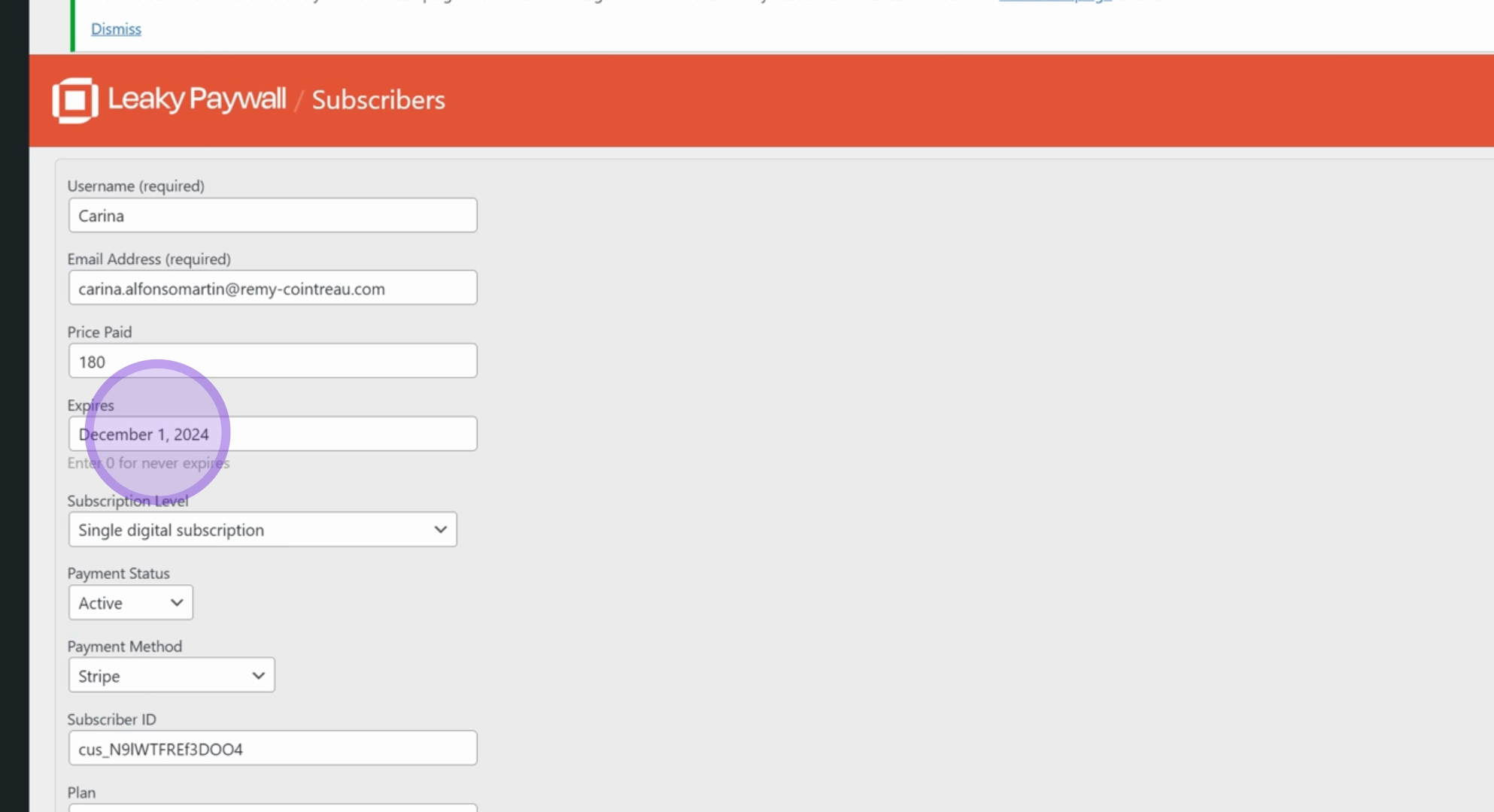
Finally, check the updated expiration date; it should now reflect December 1, 2025, confirming that the subscriber has access to the content.
It is now safe to inform the subscriber that they have regained access.
Following these steps will help you effectively manage subscriber access in Leaky Paywall and resolve any access issues they may encounter.
